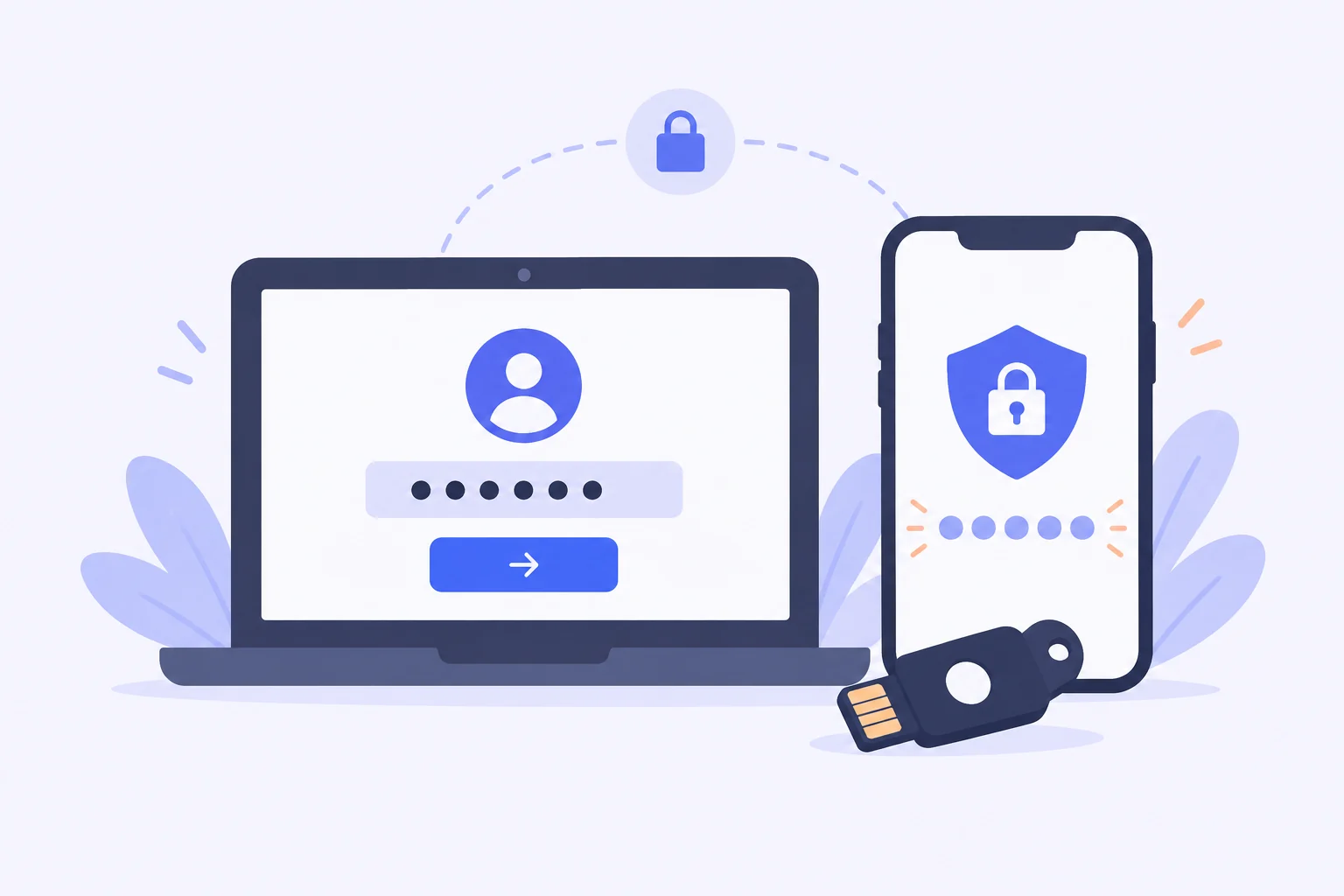
Why Two-Factor Authentication Is Non-Negotiable
Your master password protects everything, so protecting the master password protects everything twice over. Two-factor authentication adds a second, independent proof of identity at login. Even in the nightmare scenario where an attacker somehow obtains your master password—through a keylogger, a phishing page, or a shoulder-surf—they still cannot reach your vault without the second factor in your possession. Security professionals consider 2FA the single highest-value setting in any password manager, and the Bitwarden Vault makes enabling it a five-minute job.
The vault supports several two-step login methods, and they differ meaningfully in strength, cost, and convenience. Understanding those differences is what this guide is about, because the best method for a student with one phone is not necessarily the best method for a small business owner guarding client data.
Authenticator Apps: The Everyday Default
Time-based one-time passwords generated by an authenticator app are the sweet spot for most users. You scan a QR code once with apps such as Bitwarden's own built-in authenticator, Google Authenticator, or Authy, and from then on each bitwarden login asks for the six-digit code currently displayed on your phone. The codes refresh every thirty seconds, which makes them useless to anyone who captures an old one.
The main risk of app-based codes is phone loss. That is exactly why the vault shows you a recovery code when you enable two-step login—write it down or store it offline, because it is the one-time key that gets you back in if your phone is at the bottom of a lake. Some users also register a backup second factor, such as a second device with the authenticator installed, so a broken phone never becomes a lockout.
Email Codes: Better Than Nothing
Email-based two-step login sends a code to your registered address each time you sign in from a new device. It requires no extra hardware and no app, which makes it a popular first step. However, its weakness is obvious: your vault is now only as strong as your email account. If an attacker compromises that mailbox, they receive the second factor themselves.
We recommend email codes as a starting point only. If you use them, secure the linked email account with its own two-factor authentication and a unique password, and plan to graduate to an authenticator app or hardware key later. For organizations, administrators can simply forbid email as an accepted method and force stronger options—worth doing whenever the vault holds shared business credentials.
Hardware Keys and Passkeys: The Gold Standard
For the strongest possible protection, hardware security keys such as YubiKey and modern FIDO2 passkeys are in a league of their own. The second factor is a physical device or a platform credential that cryptographically verifies the site it is talking to. Phishing pages cannot trick it, because a fake domain simply fails verification and the key refuses to authenticate. These methods are also immune to code interception, since nothing typeable is ever generated.
The practical consideration is redundancy: hardware factors should be registered in pairs, with a primary key on your keyring and a backup in a drawer, because losing the only key means waiting out account recovery. Once set up, the experience is delightful—tap the key or approve with biometrics, and the vault opens. Users handling sensitive business data or shared team vaults should treat this tier as the default rather than the upgrade.
Duo and Enterprise Options
Organizations already using Duo Security can connect it directly to their vault for push-notification approvals, a method many employees find faster than typing codes. Enterprise plans add further controls: administrators can mandate specific two-step methods for every member, preventing anyone from running with weaker protection than company policy allows. Event logs then record which users authenticated and when, which turns login behavior into something auditable rather than invisible.
These administrative levers matter more than they first appear. Security is a chain, and the weakest link is usually a person, not a cipher. By requiring strong second factors organization-wide, the administrator removes the possibility of a well-meaning colleague opting out, which is precisely the situation attackers hunt for.
Setting It Up in Five Minutes
The setup path is the same regardless of method. Sign in through the web vault, open Settings, and find the Security section, then Two-step Login. Choose your preferred provider, follow the pairing prompt—scan a QR code, tap a key, or connect your Duo account—and confirm with one live verification. Finally, download and safely store the recovery code the vault offers you; treat that code like the spare key to your house, because that is functionally what it is.
After enabling, test a login from a different browser or device to confirm the second factor triggers correctly, and repeat the test for your mobile app. From then on the only change to your routine is one extra confirmation at sign-in, a tiny price for making unauthorized access to your vault dramatically harder. If you do nothing else after reading this guide, do this.
Final Thoughts
Two-factor authentication converts your vault from a single-lock box into a layered safe, and Bitwarden offers the full range of locks from free to world-class. Start with an authenticator app today, keep the recovery code somewhere safe, and consider hardware keys once the habit sticks. Whatever method you choose, the vault protected by two factors is a vault that shrugs off stolen passwords entirely.