The Problem With Casual Sharing
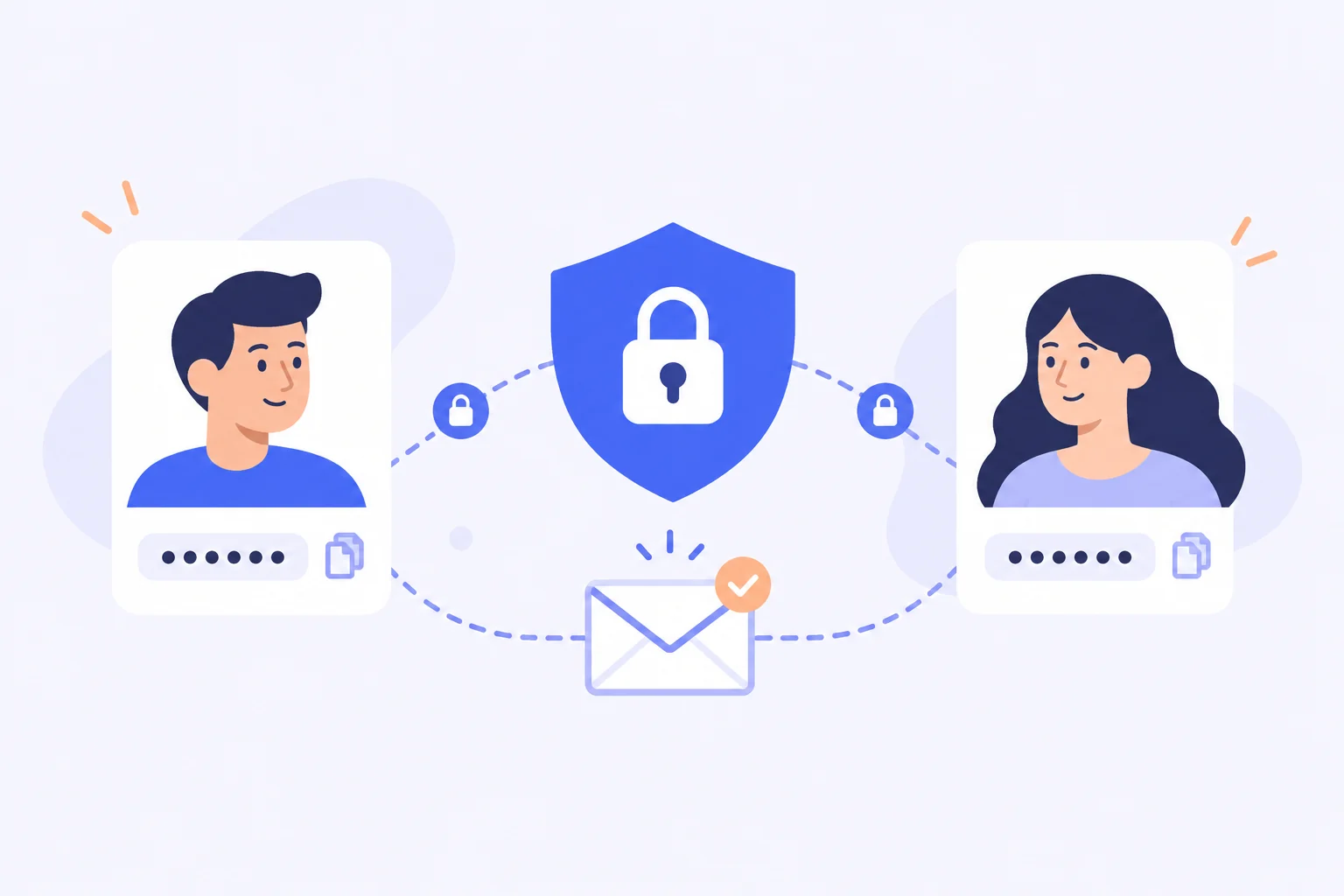
Sooner or later everyone needs to hand over a password: a spouse needs the streaming account, a colleague needs the analytics dashboard, a contractor needs the hosting panel. The default methods people reach for—chat messages, email, spreadsheets, or shouting across a desk—leave plaintext credentials scattered across servers, inboxes, and screen recordings. Worse, once a password travels through these channels, nobody can unsend it, and you have no way of knowing who eventually saw it.
A password manager solves this cleanly because sharing happens inside the encrypted channel you already trust. The Bitwarden Vault offers three distinct sharing mechanisms, each built for a different situation: one-to-one time-limited sharing, ongoing team access, and emergency handover. Choosing the right one is the whole trick, and this guide covers all three.
Bitwarden Send for One-Time Sharing
Send is the tool for quick, one-off transfers. You paste a credential or note, set an expiration date, optionally cap how many times it can be viewed, and share the generated link. The content is encrypted end-to-end, and the moment the expiration or view limit is reached, the link dies automatically. The recipient does not need an account or any software—just a browser.
This is perfect for sending a Wi-Fi password to a guest, passing temporary credentials to a freelancer, or transmitting a recovery code to a relative. Best practice is to set the shortest practical expiration and the smallest view count that still works; a Send that expires in 24 hours after one view leaks nothing if the link sits unread in an inbox for a week. You can also protect a Send with a separate password, adding a second layer for especially sensitive material.
Collections and Organizations for Teams
When several people need ongoing access to the same credentials, one-time links stop making sense. That is what organizations and shared collections are for. In a family or team plan, an administrator creates collections such as "Marketing Tools" or "Family Streaming" and places the relevant vault items inside. Each member's bitwarden login account then surfaces those shared items right alongside their personal ones, clearly marked so nobody confuses the two.
The beauty of this model is control. Membership can be scoped—your bookkeeper sees the finance collection but nothing else—and access can be revoked in a single click when someone changes roles or leaves. There is also an option to control whether members can edit shared items or just use them, which prevents accidental overwrites of important credentials. For households, a shared collection for bills and streaming services ends the ritual of texting passwords back and forth forever.
Emergency Access for Trusted Contacts
Emergency access answers a darker but important question: what happens to your vault if you are hospitalized, traveling without your devices, or simply gone? You can designate trusted contacts—typically a spouse or close family member—who can request access to your vault if you become unreachable. You define whether they get full takeover or read-only visibility, and you can set a waiting period, such as 30 days, during which you can veto the request if you are actually fine.
This mechanism is far safer than the common alternative of writing your master password on paper and hiding it somewhere hopeful. The trusted contact never learns your master password until access actually activates, and the entire arrangement can be changed or revoked at any time. For couples managing finances and for adult children helping aging parents, it is one of the most humane features in any password manager.
Habits That Keep Shared Access Safe
Whatever sharing method you use, a few rules apply universally. First, share the minimum: grant access to the specific items someone needs, never to your entire vault. Second, prefer view rights over edit rights unless collaboration genuinely requires them, because a shared password edited by five people is a password nobody controls. Third, rotate credentials when people leave—if a departing employee knew the shared social media login, changing it costs two minutes and closes the gap permanently.
It also pays to schedule a quick access review each quarter. Look at who belongs to which collections and whether any Send links are still floating around unexpired. Five minutes of review keeps the whole sharing layer tidy, and most users discover at least one credential they can rotate or revoke immediately.
Final Thoughts
Sharing credentials does not have to be the leaky, nerve-wracking process it used to be. With Send you get self-destructing one-time links, with collections you get organized team access that can be revoked instantly, and with emergency access you get a graceful plan for the unexpected. Pick the mechanism that matches the situation, keep the minimum-access habit, and password sharing becomes just another safe, boring part of using your vault.